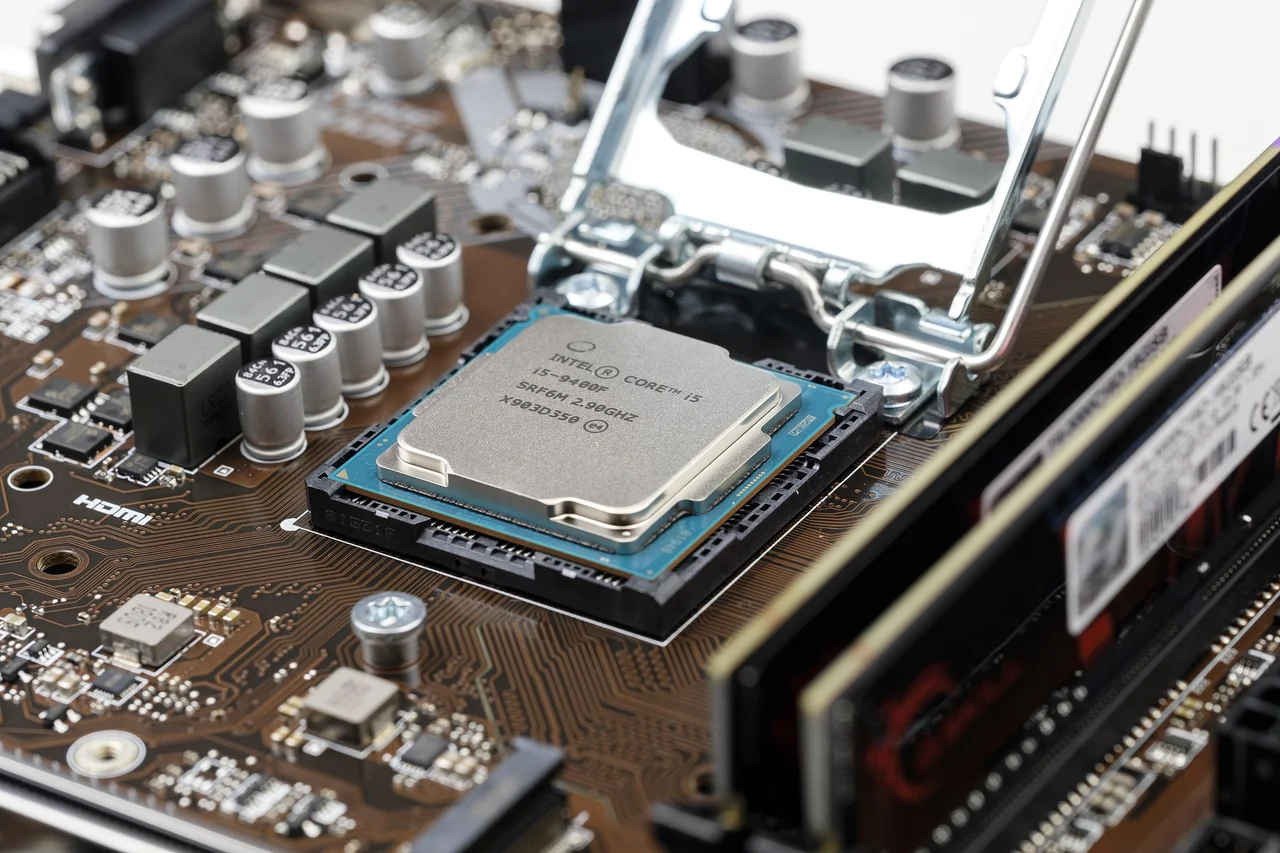
Think of a computer as a kitchen. Some jobs need one brilliant chef who can handle anything thrown at them; other jobs need a huge crew all doing the same simple task at once. That, in a nutshell, is the difference between a CPU and a GPU — two kinds of processor built for opposite styles of work.
The CPU (central processing unit) is the computer’s all-rounder. It has a handful of very powerful cores, usually somewhere between 4 and 64, and it is brilliant at doing complicated tasks quickly, one after another. Running your operating system, opening apps, and making decisions inside a program is all CPU work. It is a generalist that can switch between wildly different jobs in an instant.
The GPU (graphics processing unit) is the opposite kind of specialist. Instead of a few strong cores, it packs hundreds or even thousands of smaller, simpler ones. Each one is weaker than a CPU core, but together they can run the same operation on a huge pile of data all at the same time. That trick is called parallel processing.
The cleanest way to picture it is to go back to the kitchen. A CPU is like one expert chef who takes varied orders and cooks each dish fast and well, one at a time. A GPU is like a hundred line cooks who can only flip burgers, but who flip a hundred burgers at once. For a single complicated dish, the chef wins. For ten thousand identical burgers, the crew wins easily.
That picture points to the real trade-off. A CPU is built for low latency, meaning it finishes any one task with as little delay as possible. A GPU is built for high throughput, meaning it chews through enormous amounts of data at once, even if each individual piece takes a little longer. The specs show it too: CPU cores run fast, up to around 5 GHz, but there are only a few of them, while GPU cores run slower, around 1 to 2 GHz, but there are thousands.
So each one shines at different jobs. The CPU handles everyday computing: running the operating system, handling logic and decisions, and anything that must happen in a strict step-by-step order. The GPU shines whenever the same calculation repeats across mountains of data, such as drawing every pixel in a video game, editing video, training AI models, or running scientific simulations.
They are not really rivals, though; they are teammates. Every computer needs a CPU just to run, and the GPU is an extra helper that the CPU hands its big parallel jobs to. When you play a modern game or run an AI tool, the CPU manages the overall flow and passes the heavy number-crunching to the GPU. Used together, they cover both kinds of work. Here is a quick side-by-side summary:
| CPU | GPU | |
|---|---|---|
| Cores | Few (about 4–64), powerful | Many (hundreds to thousands), simpler |
| Working style | Serial — one task after another | Parallel — many at the same time |
| Optimized for | Low latency (finish one task fast) | High throughput (lots of data at once) |
| Best at | OS, logic, varied step-by-step tasks | Graphics, video, AI, simulations |
References
- GPU vs CPU – Difference Between Processing Units (AWS)
- Difference between CPU and GPU – GeeksforGeeks
- CPU vs GPU: How They Work and When to Use Them – DataCamp
Explore More
- Why have GPUs become so important for training artificial intelligence?
- What is a CPU core, and what do “threads” add on top of it?
- How does a CPU and GPU split the work while you play a video game?
- What are TPUs, and how are they different from GPUs?
- Why can’t we just build a CPU with thousands of cores instead of using a GPU?