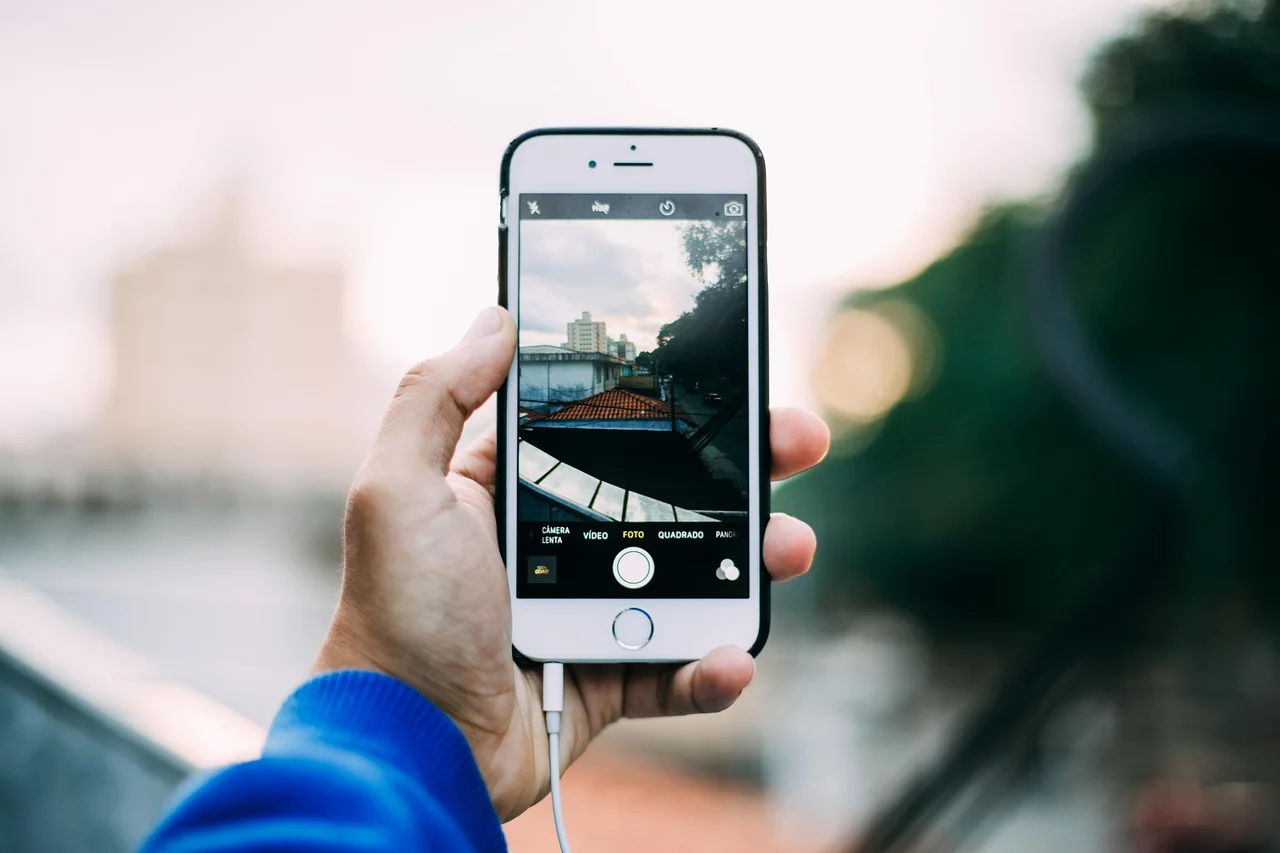
An ordinary iPhone photo is basically a flat picture. It records one view of a moment, like what one eye or one camera saw. You can zoom, crop, edit, print, and share it, but the photo itself does not contain a true left-eye and right-eye view for 3D playback.
An iPhone spatial photo is made for depth. On supported iPhone models, Apple says you can take spatial photos and then view them in three dimensions in the Photos app on Apple Vision Pro. The idea is not just “a nicer photo.” It is a photo that can feel more like looking into a moment when viewed on the right device.
The technical difference is that spatial media stores stereo information. Apple Developer documentation describes a spatial photo as a multi-image HEIC file containing a left-eye image, a right-eye image, a stereo pair group, and spatial metadata. In plain language, it carries two slightly different views plus extra information that tells Apple devices how to present it as spatial content.
That is why landscape orientation and distance matter when you capture it. Apple’s iPhone guide tells users to rotate the iPhone to landscape, keep it steady and level, frame subjects about 3 to 8 feet from the camera, and use bright, even lighting. Those tips help the two camera views line up in a way that feels comfortable later.
On a regular iPhone, iPad, Mac, or shared message, a spatial photo can still behave much like a normal photo. Apple says spatial photos and videos can be viewed and shared like regular photos and videos on other Apple devices. The big difference appears when you view the spatial version on Apple Vision Pro, where it can open in 3D.
Spatial photos are also different from “spatial scenes.” Apple Vision Pro can create a spatial photo from an existing 2D photo, and newer software can show some photos as spatial scenes. That can add a sense of depth to an older flat photo, but it is not the same thing as capturing a native spatial photo with left-eye and right-eye image data at the moment you take it.
So the simple version is this: a regular photo saves one flat view, while a spatial photo saves information for a 3D-style view. If you only look at it on a normal screen, the difference may not feel dramatic. If you view it on Apple Vision Pro, the spatial version can show depth and make the memory feel closer to being in front of you.
The tradeoff is that spatial photos ask a little more from both capture and playback. You need a supported device to take them, better framing to make them look good, and a compatible viewing experience to get the 3D effect. For everyday sharing, regular photos are simpler. For memories you may want to revisit in depth later, spatial photos are the more future-facing option.
References
- Take spatial photos and record spatial videos for Apple Vision Pro with your iPhone camera – Apple Support
- Capture, view and share spatial photos and videos on Apple Vision Pro – Apple Support
- Creating spatial photos and videos with spatial metadata – Apple Developer Documentation
- If spatial photos appear as regular photos on Apple Vision Pro – Apple Support
- Create a spatial photo or view a spatial scene in Photos on Apple Vision Pro – Apple Support
- Apple introduces spatial video capture on iPhone 15 Pro – Apple Newsroom
Explore More
- How does Apple Vision Pro make spatial photos look 3D?
- What is the difference between a spatial photo and a spatial scene?
- Why does Apple recommend keeping subjects 3 to 8 feet away?
- Do spatial photos use more storage than regular photos?
- How is spatial video different from spatial photo?